ES · Leer en español Explore for free

What do you want to solve today?

Free, open-source tools for coding with AI. Pick your problem and we will give you the tool that fixes it.

The tool that solves it

Free

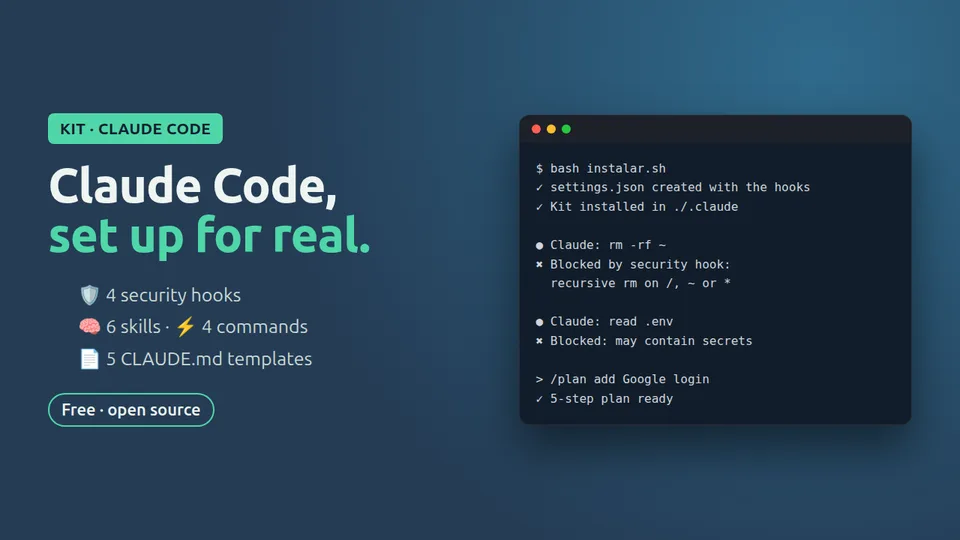
Claude Code Starter Kit

  • hooks/: blocks rm -rf, git push --force, curl | sh and reading .env files or SSH keys
  • skills/: code review and conventional commits
  • comandos/plan.md: the /plan command
  • plantillas-claude-md/: Node/TypeScript and Python
Free

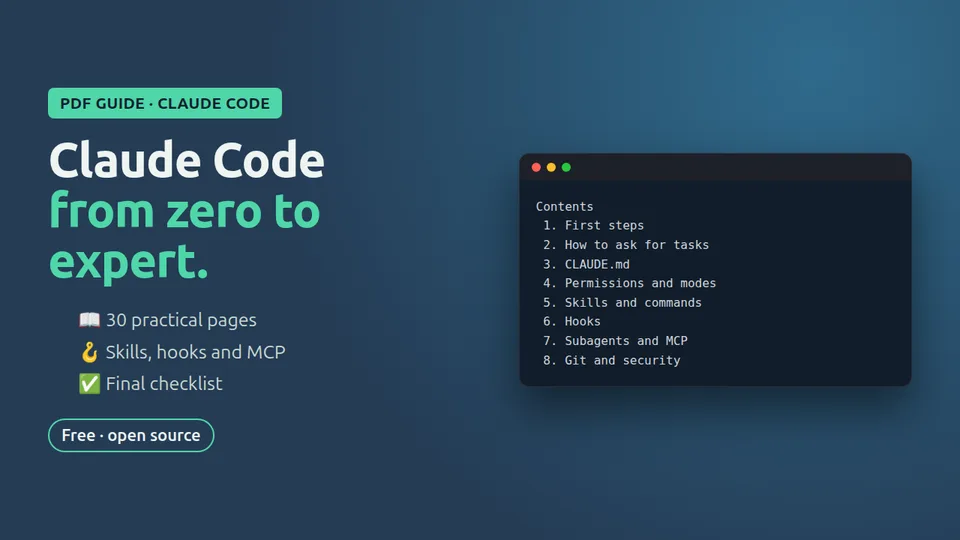
Claude Code Guide: Zero to Expert

  • Chapter 0: before you start
  • Chapter 1: installation and first steps
  • Chapter 2: how to ask for tasks
  • Chapter 3: CLAUDE.md, your project's memory

Free

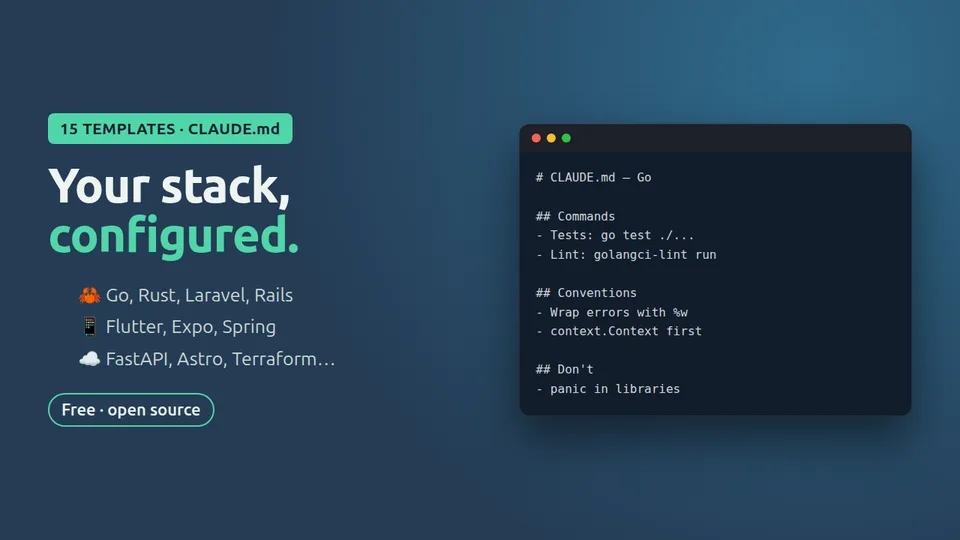
15 CLAUDE.md templates by stack

  • 5 templates: Go, FastAPI, Express, Laravel and Astro
  • How to run a single test in each stack
  • A “Don't do” section with the dangerous actions

Free

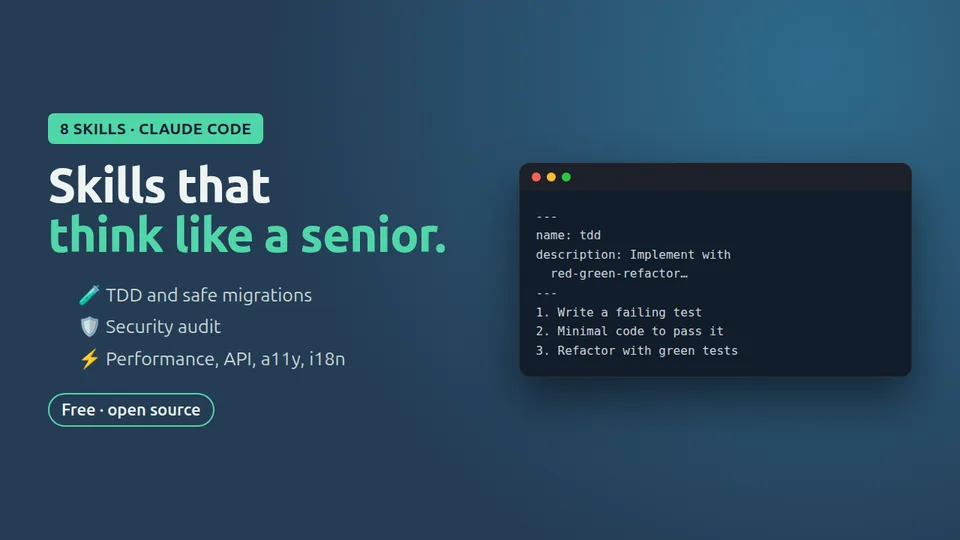
8 advanced skills for Claude Code

  • tdd: real red-green-refactor cycles
  • changelog-release: Keep a Changelog + SemVer, never publishing anything without permission
  • accesibilidad-web: WCAG 2.2 AA checklist
  • instalar.sh: installs them without overwriting anything

Free

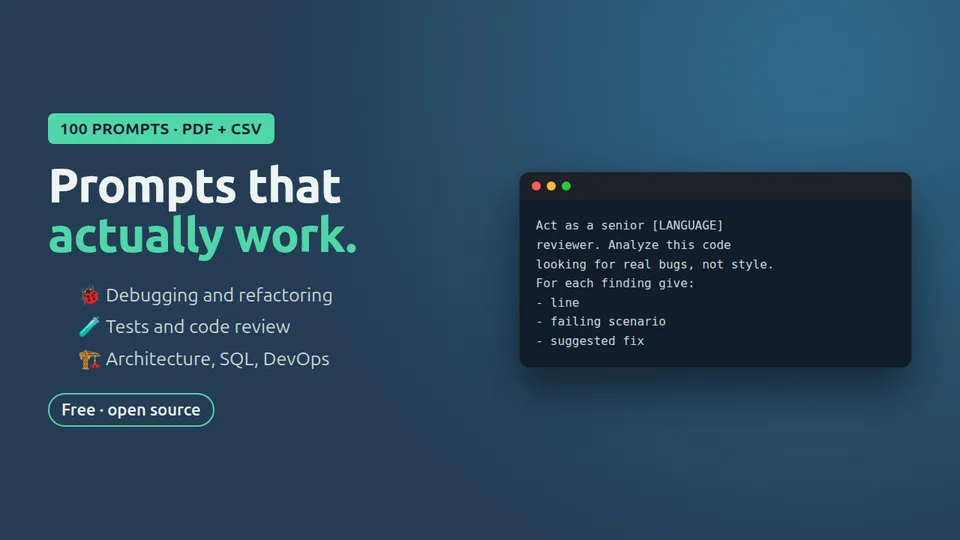
100 prompts for developers

  • 30 prompts: 3 from each of the 10 categories
  • Placeholders to adapt them to your code
  • When to use each one

Free

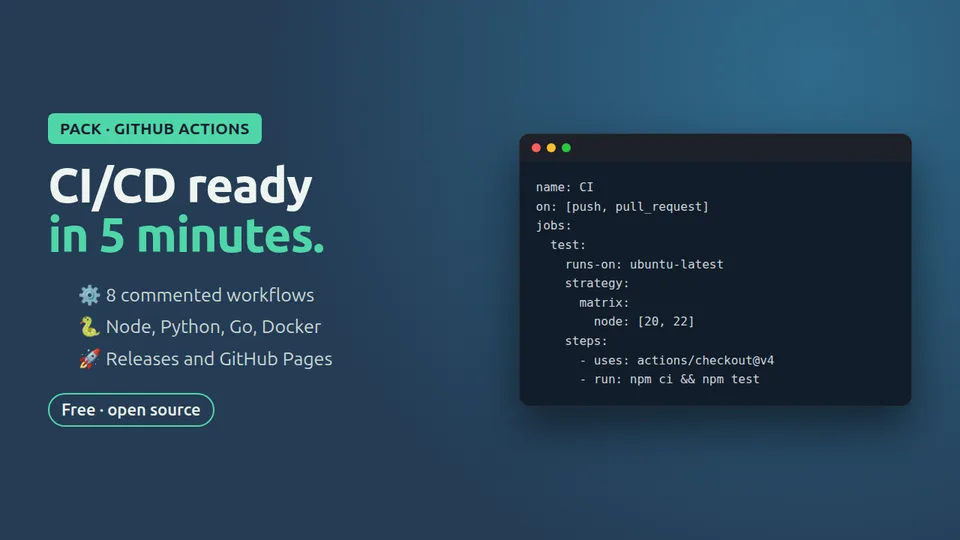
8 GitHub Actions workflows

  • node-ci.yml: lint and tests on Node 20 and 22 with npm caching
  • python-ci.yml: ruff and pytest with uv on 3.11–3.13
  • auditoria-dependencias.yml: weekly vulnerability check

Free

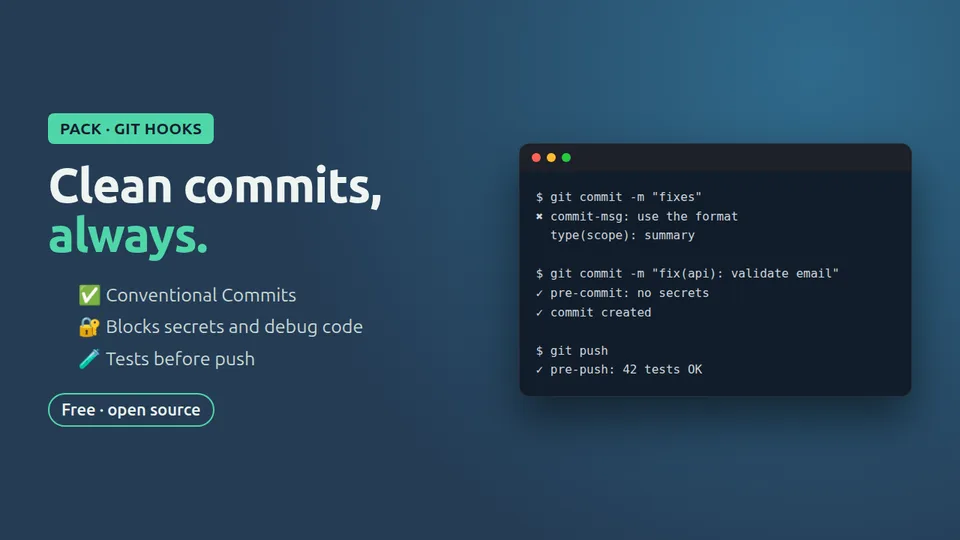
Git hooks and pre-commit

  • commit-msg: validates Conventional Commits
  • pre-commit: blocks AWS, GitHub, Stripe and Slack keys, .env, private keys and large files
  • instalar-hooks.sh: enables them with one command

Free

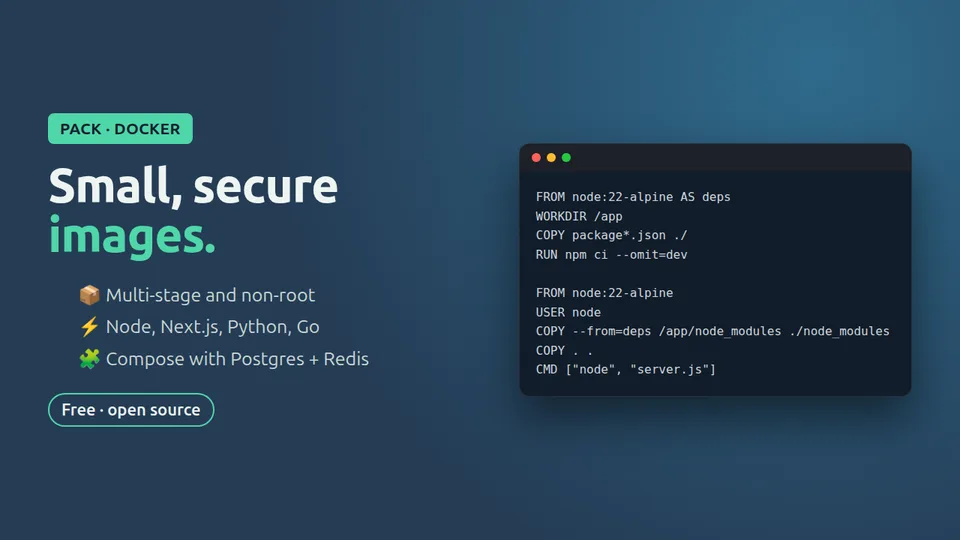
Optimized Dockerfiles

  • go/: multi-architecture distroless Dockerfile
  • node-express/: alpine, tini and a healthcheck without curl
  • A .dockerignore for each one

Free

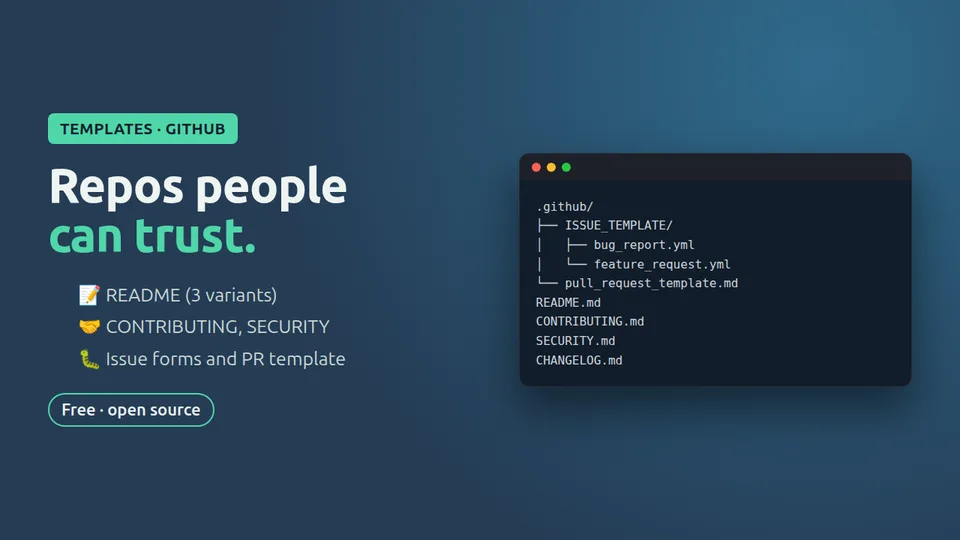
Documentation templates for GitHub

  • Library README
  • CONTRIBUTING.md with a branching workflow and Conventional Commits
  • Issue form for bugs
  • Pull request template with a checklist

Free

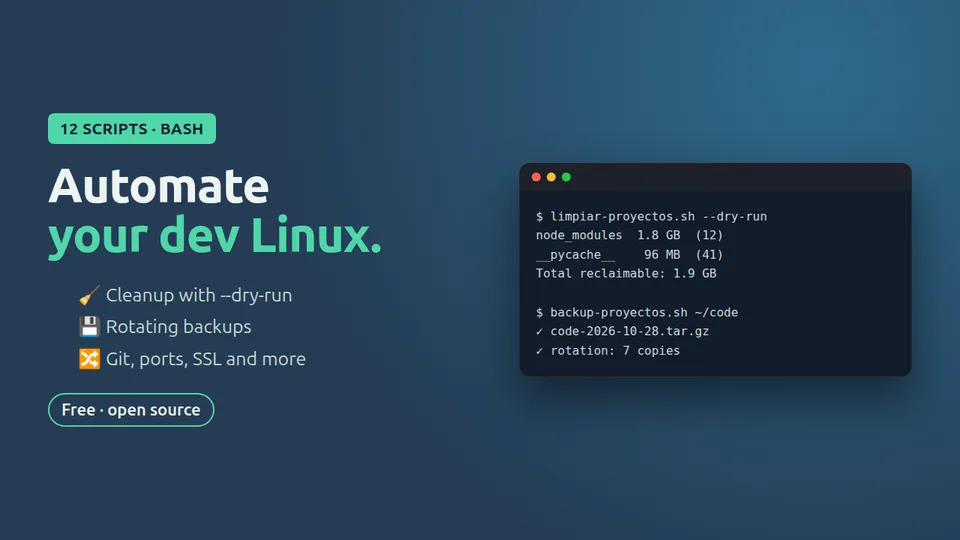
12 Bash scripts for Linux

  • Clean node_modules and caches (with a preview)
  • See and free busy ports
  • Update all your repos with pull --ff-only
  • Generate .gitignore offline
  • Delete merged branches (dry-run by default)

All 10 tools

All free and on GitHub. Open the one you need: we show you how to install it in a minute.

For Claude Code

For your repository

How it works

Truly free

No sign-up, no email, no expiring trials. MIT license: use it in your projects and your clients’ projects.

Pick and copy

Each tool has its own repository with one-minute instructions.

Secure by default

Minimal permissions, no secrets in the code and a confirmation before any destructive action.

Want more?

If a tool helps you, its page shows the Pro version with the full pack. It is optional and helps us keep publishing for free.

Byte, the Ctrl+IA mascot

Learn with Byte in one minute

Every week we post short Claude Code and AI tips on Instagram, narrated by Byte (in Spanish).

Watch the Reels
Ctrl+IA Reel: Byte explains how to block dangerous commands with a hook

Frequently asked questions

Is it really free?

Yes. All 10 tools are on GitHub under the MIT license. No sign-up or email required.

How do I install it?

Open the tool and follow the steps: it is almost always cloning the repository and copying one or two files into your project.

What is the Pro version?

The full pack for each tool (more templates, more workflows, the PDF guide…). It is optional: the free version works on its own. It is sold on Gumroad and you pay what you want from 2 or 3 USD.

Does it work on Windows?

Yes, with WSL or Git Bash. The Bash scripts are designed for Linux and macOS.

Does this site store my data?

No. It has no forms, cookies or trackers.